Edit parameters and presets
Select a placed Niagara actor, then its Niagara component. Expand User Parameters in the Details panel to edit that instance. To change the defaults for every future instance, open the Niagara system asset and edit its User Parameters instead.
Defaults versus overrides
Section titled “Defaults versus overrides”Effect pages report the shipped asset defaults. The demo’s Original presentation can override those defaults, including its repeatable seed and presentation scale. The three additional presets have explicit overrides on the same system. Their tables list only assigned values; other values inherit from the asset.
Reset an instance override to return to the asset default. Editing an asset default does not replace a value explicitly overridden on an instance. Duplicate an asset into your own project folder if you want to preserve a customized version across future pack updates.
Limits and units
Section titled “Limits and units”Hard limits come from the shipped Niagara editor metadata. An absent bound means no exposed bound was recorded; it does not mean every number produces useful output. The reference preserves each system’s supported interface, including older effects with fewer or different controls.
Sizes and distances described as world dimensions use Unreal centimeters before the effect’s overall scale. Size is a multiplier, colors are linear RGBA, angles use degrees, and durations use seconds unless the individual parameter description says otherwise. Layer-specific formulas can also scale a dimension by Size.
Restart after changes
Section titled “Restart after changes”For predictable results, restart the effect after editing any control. Particle counts, seeds, spawn-time colors, and initial motion are especially sensitive to when they are set. Changing these after the burst cannot recreate particles that were never spawned. In Blueprint, assign parameters before activation.
If a control seems inactive, check its edit condition, its layer’s count, and the total duration cap. See layers and lifetime.
Niagara editor reference
Section titled “Niagara editor reference”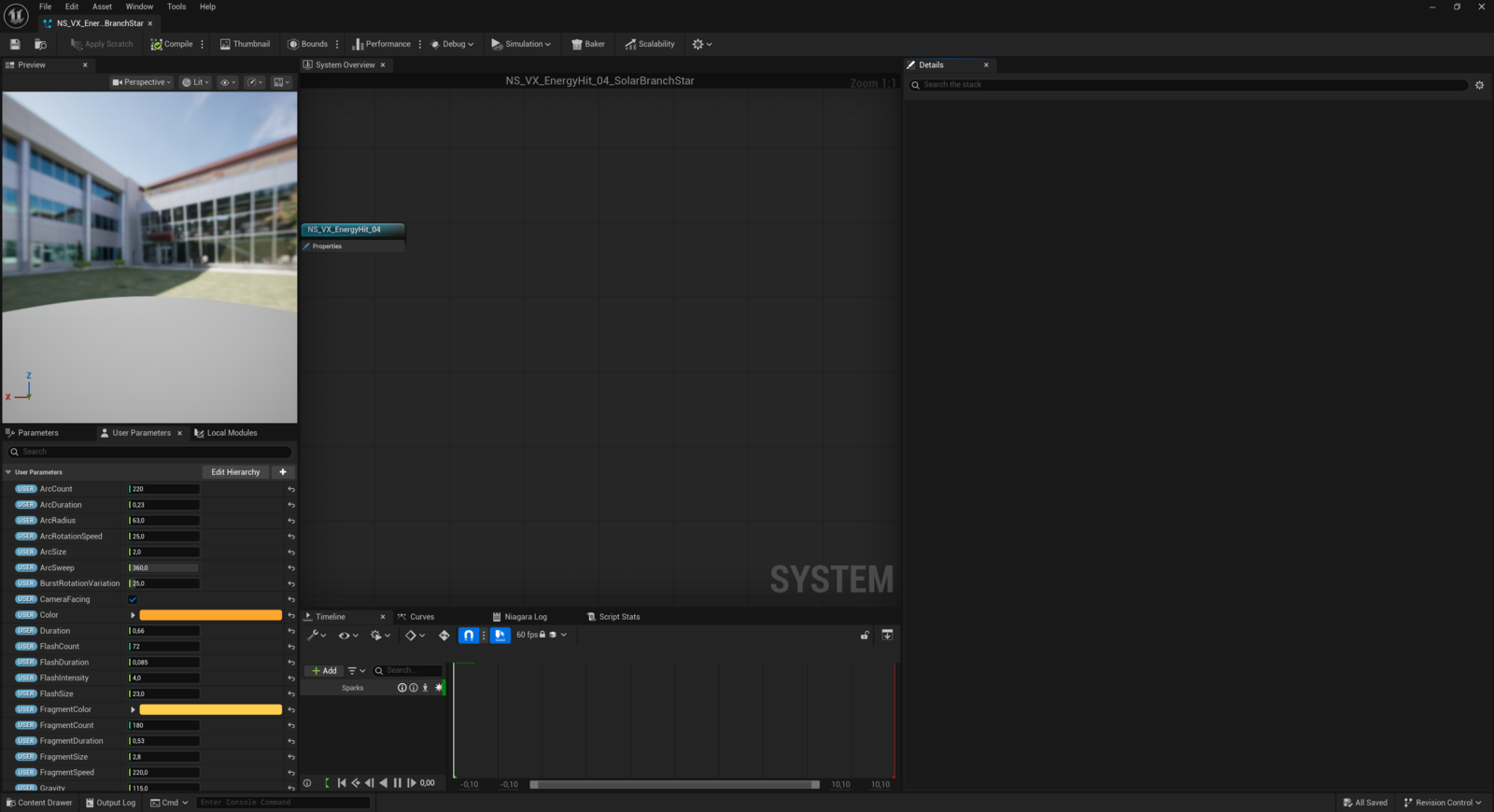
The User Parameters panel edits asset defaults. For a single placed effect, edit the component overrides instead.